
ilmdiya for teachers
Teach once. Every student gets it.
For teachers, ilmdiya is a simple online classroom: you add a lecture with a title and a YouTube link or file, press Publish, and every student in the class is notified on their phone. You can see who opened it and who finished it, without chasing anyone on WhatsApp.
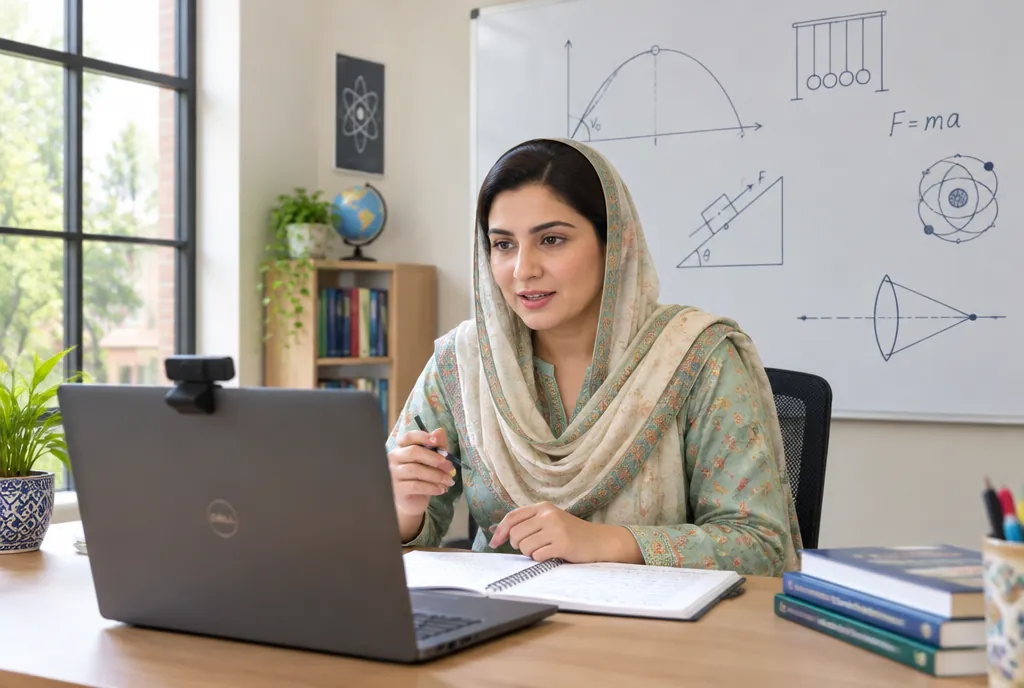
What changes for teachers
Publish a lecture in under five minutes
A title, a YouTube link or a PDF, slides or Word file, and one click. No technical skills needed.
One place instead of ten WhatsApp groups
Notes, recordings and homework stay organised by week and chapter, so nothing gets lost in a chat.
Know who is keeping up
See which students opened and finished each lesson, and follow up with the ones who did not.
Assignments marked in one place
Students submit from their phones, even as a photo of their notebook. Add marks and feedback, and the gradebook fills itself.
Live classes in one click
Paste a Zoom or Google Meet link and pick a time. Students get a Join button when class starts.
Schedule ahead
Prepare next week’s lessons on Sunday and release them automatically on the right day.
Reuse every session
Your course stays ready for the next batch or academic year. Edit, do not rebuild.
Trained, not left alone
We train your teachers during onboarding so the first lecture goes live on day one.
Without an LMS
- Re-sending the same PDF to three WhatsApp groups
- Answering “Sir, what is the homework?” every evening
- No idea who actually watched the recording
With ilmdiya
- Publish once, every student is notified
- Homework and notes are always in the lesson
- A progress list shows who finished
See it in two minutes
Questions from teachers
Do I need computer skills to use ilmdiya?
Basic skills are enough. If you can send a file on WhatsApp, you can publish a lesson. Adding a lecture takes a title, a link or a file, and one click.
Can I upload my recorded lectures?
Yes. Short videos can be uploaded directly. For long lectures, upload to YouTube as Unlisted and paste the link: it streams smoothly on slow internet and costs nothing.
Can I see which students finished a lesson?
Yes. Each course has a students view showing every student’s progress and which lessons they completed.
See what ilmdiya does for
See ilmdiya with your own classes
Book a 20-minute demo. We will set up a trial portal with your logo so your teachers can try it.
Book a free demo